Live Preview
The docmd compiler architecture decouples filesystem I/O operations from core Markdown parsing logic. The core engine can run entirely within the browser, powering live editors, CMS preview panes, and dynamic web applications without requiring a server backend.
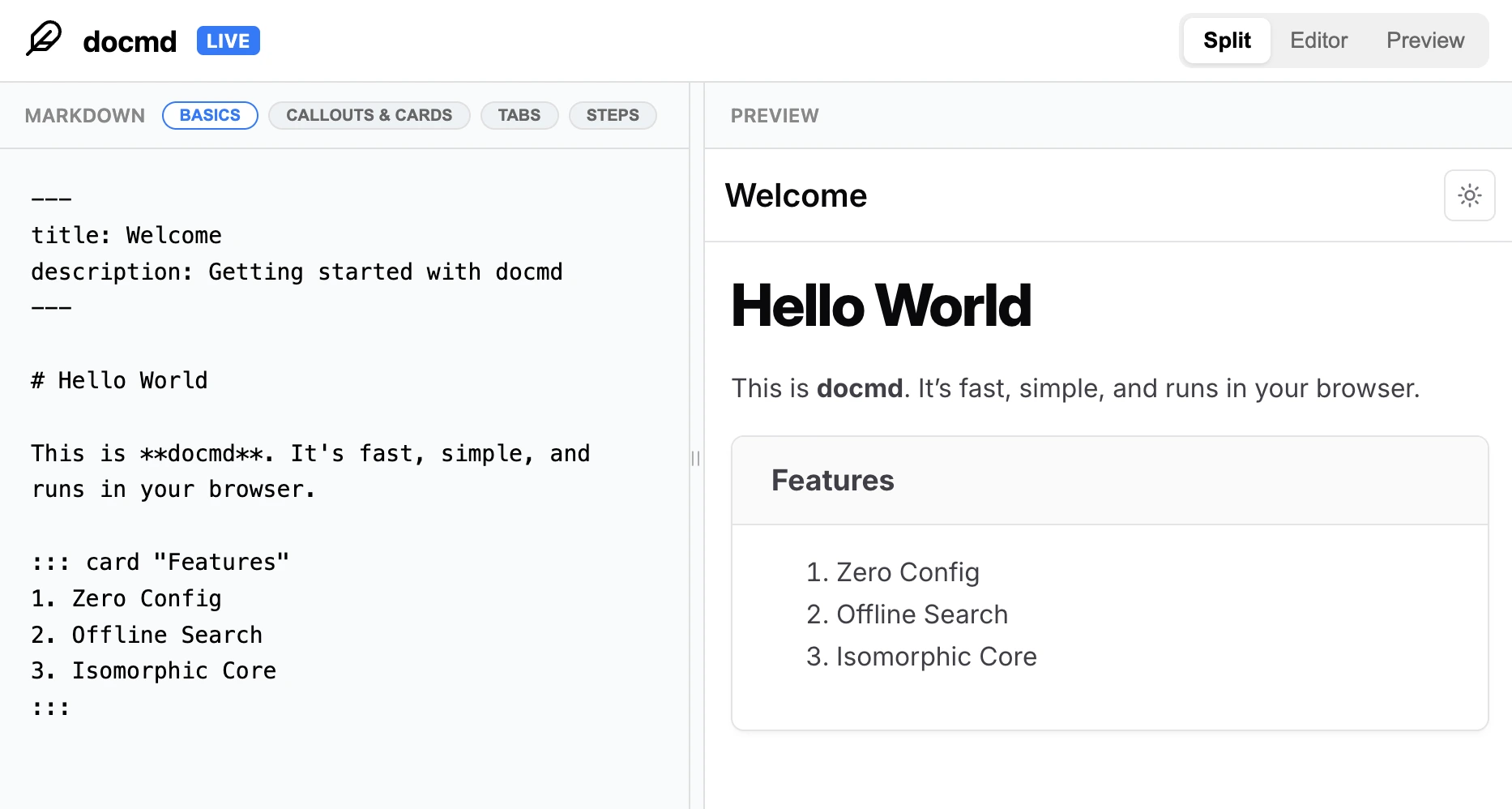 Open Live Editor
The Live Editor
The built-in Live Editor provides a high-performance split-pane authoring workspace. Write Markdown in the left pane and watch rendered HTML output update in real time on the right.
Local Development Execution
Launch the Live Editor locally within your project workspace:
npx @docmd/core live
Static Distribution Build
Compile a standalone, static version of the Live Editor interface for hosting on Vercel, Cloudflare Pages, or GitHub Pages:
npx @docmd/core live --no-serve
This compiles static assets into the output directory, including the index.html entry point and the bundled @docmd/live browser engine.
Embedding @docmd/live
Integrate the browser-compatible bundle into third-party web applications to render docmd Markdown client-side.
1. Resource Integration
Include the stylesheet and JavaScript bundle from static assets or CDN:
<link rel="stylesheet" href="/assets/css/docmd-main.css">
<script src="/docmd-live.js"></script>
2. Browser Compiler API
The global docmd object exposes an asynchronous compile method for instant client-side rendering:
const html = await docmd.compile(markdown, {
  "title": "Dynamic Live Preview",
  "theme": { "appearance": "dark" }
});

document.getElementById("preview-frame").srcdoc = html;
The @docmd/live browser architecture is ideally suited for building AI Agent Sandboxes. Pipe agent-generated Markdown directly into a live compilation buffer for instant visual verification before committing changes to your Git repository.
