Run docmd inside any directory containing Markdown files. No configuration file, setup overhead, or framework experience required.
1. Start the development server
npx @docmd/core dev
pnpm dlx @docmd/core dev
yarn dlx @docmd/core dev
bunx @docmd/core dev
This opens http://localhost:3000. Your documentation is now live.
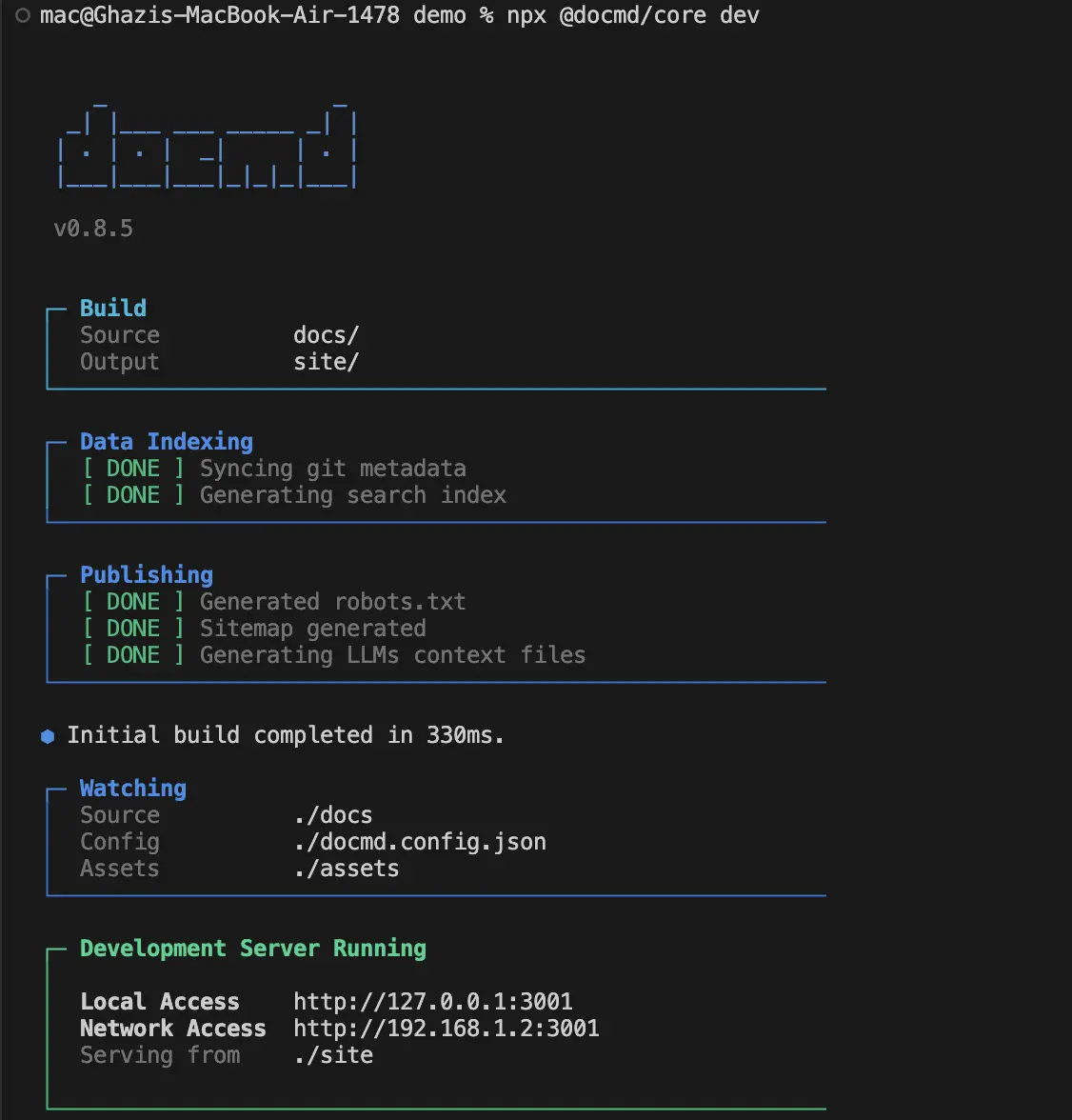
If port 3000 is currently in use, docmd automatically detects and binds to the next available port (e.g. 3001).
2. Automatic feature resolution
The engine configures all essential features automatically:
- Directory Detection: Scans for
docs/,src/docs/,documentation/,content/, or any.mdfiles in the project root. - Navigation Structuring: Builds a nested sidebar navigation tree directly from your directory hierarchy.
- Title Resolution: Extracts page titles from the first
H1heading tag automatically. - Search Indexing: Generates a client-side full-text search index instantly.
- Smart Caching: Triggers sub-200ms rebuilds automatically on file save.
No docmd.config.json is required. Add one later to customise layouts, plugins, or versioning settings.
3. Build for production
Compile your Markdown files into an optimised, static production website.
npx @docmd/core build
pnpm dlx @docmd/core build
yarn dlx @docmd/core build
bunx @docmd/core build
The compiler outputs a static site to ./site/. Host this static output anywhere, such as GitHub Pages, Vercel, Netlify, or any static HTTP host.
Ready to configure your project? Learn how to structure your repository in the Project Structure Guide or explore local installation options in Installation.
